Conference videography in Melbourne, for talks people can revisit.
Give people who missed a session a way to watch it afterwards. Plan full talk recordings, a conference highlight or speaker interviews around your program, venue and audience.
Six speakers. Two days. Complete talks to watch again.
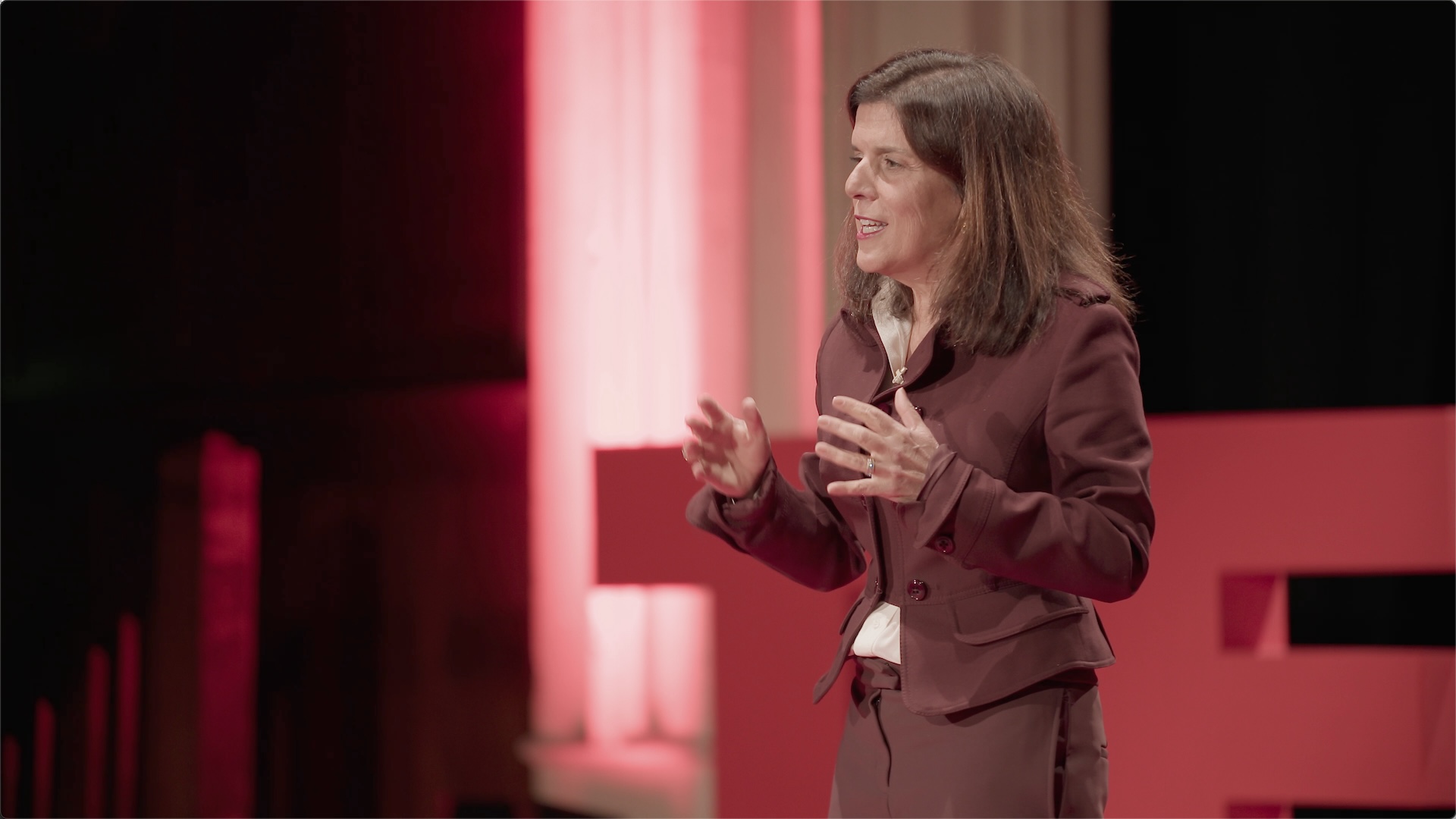
At TEDx Melbourne High School, wide and close views and separately recorded audio supported six finished 4K speaker videos. Sam’s role: Director of Photography.
The 4 or 8 hours include setup, filming and pack-down from the agreed arrival time. Availability, final scope and delivery dates are confirmed in your quote. Live streaming is quoted separately.
List every required session and any overlaps. Multi-room capacity remains subject to a confirmed crew and technical scope.
How many cameras are needed for a keynote or panel?+
The answer depends on the required speaker coverage, wide view, slides and edit. No camera count is assumed before those outputs are known.
Can slides appear in the final video?+
Tell Sam if viewers need to see the slides alongside the speaker. Supplied slide files, a direct venue feed and a filmed screen need different preparation. Share what your venue can provide, or its AV contact, so the approach can be agreed before filming.
How are audience questions captured?+
Questions need to be audible in the recording as well as in the room. Share how audience microphones are being handled so the recording source and sound check can be agreed with the venue AV team.
Can breakout rooms be covered?+
Include the complete room list and concurrent timetable so the practical coverage requirement can be assessed.
Can the conference be streamed and recorded?+
Live streaming and local recording should be requested as separate outputs and verified in the technical scope.
Conference enquiry
Share the program so rooms, cameras and session recordings can be planned together.
Send the date, venue and the sessions you want people to watch afterwards. Include a run sheet or AV contact if you already have one.